- Features
- Get it now
- Documentation
- Contribute
- About
- News

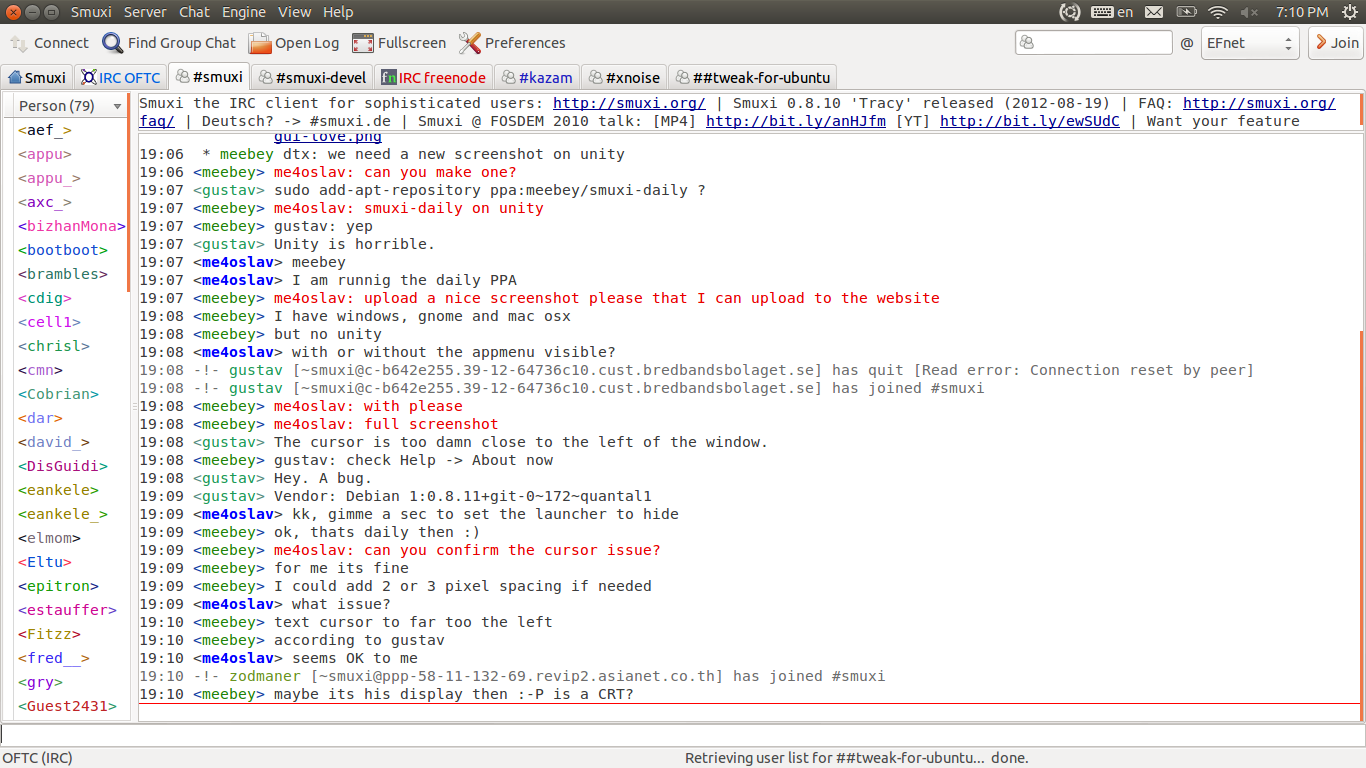
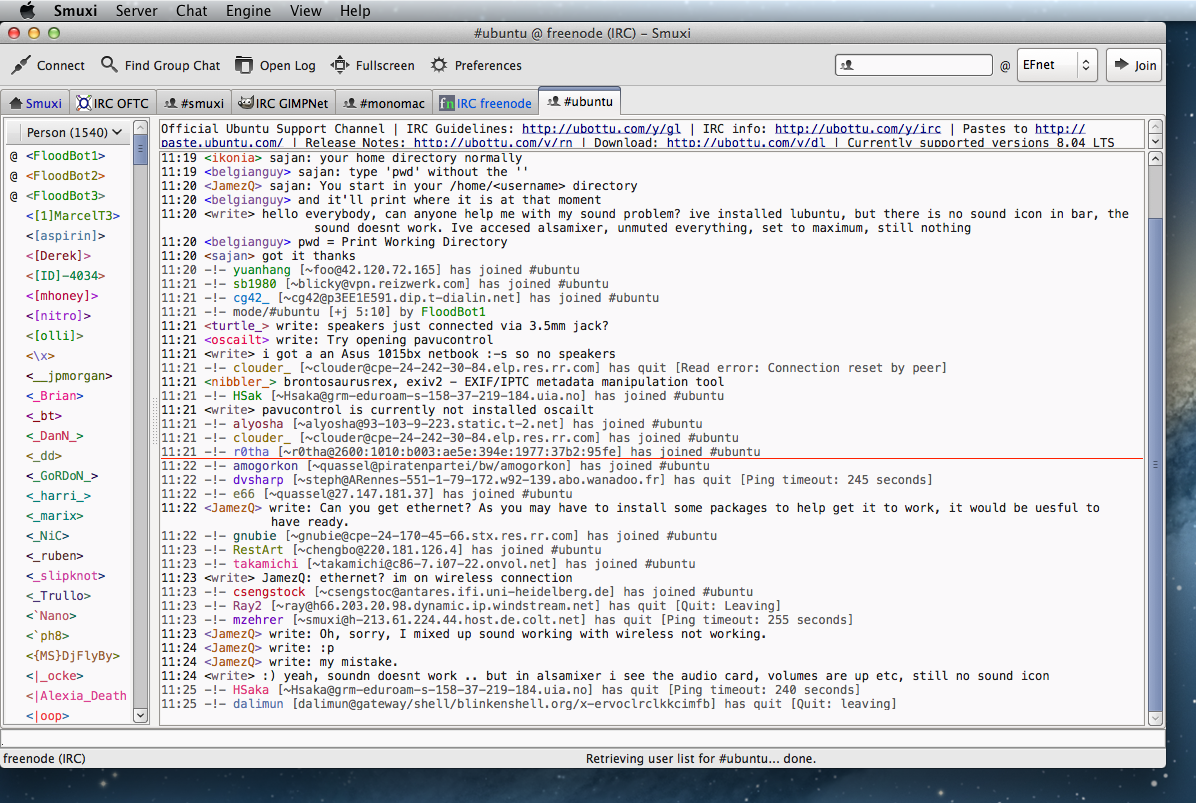
free, distributed and user-friendly IRC client with Twitter,
and XMPP/Jabber support for Linux, Windows and macOS
based on GNOME / GTK+
 Windows
 Mac
Mac
 GNU/Linux
 Debian
 Ubuntu
 NixOS / Nix
 openSUSE
 Arch Linux
 Raspberry Pi
 FreeBSD

Windows 7 / 8.x / 10 users (32-bit and 64-bit) can download the installer (as listed above). The installer automatically downloads the needed requirements if missing.
After the installation you can start Smuxi from the Windows Start Menu.
If the auto install fails for some reason, you can download the components manually from here:
After you have installed GTK# 2.12 for .NET manually you must reboot (or re-logon) your Windows!

Mac users can download this beta package. You have to download and install the Mono runtime first:
Apple, Apple logo, Mac and the Mac logo are trademarks of Apple Inc., registered in the U.S. and other countries.

This tarbal contains only the source code of Smuxi and is intended for package maintainers and advanced users of Unix-like operating systems as it requires you to compile Smuxi and the needed components yourself.
These libraries have to be installed before you can compile and install Smuxi:
After you have installed those you can configure and build the Smuxi source using:
./configure
make
After the compile finished you can install Smuxi by running the following command as root:
make install
Now you can start Smuxi from the GNOME or KDE menu.

Debian 10 users can install Smuxi from the official Debian repository, just run the following command:
apt-get install smuxi
Now you can start Smuxi from the GNOME Activities Overview or KDE menu.
Debian 9 users can install Smuxi from the official Debian repository, just run the following command:
apt-get install smuxi
Now you can start Smuxi from the GNOME Activities Overview or KDE menu.
Debian/Testing and Debian/Unstable users can install Smuxi from the official Debian repository, just run the following command:
apt-get install smuxi
Now you can start Smuxi from the GNOME Activities Overview or KDE menu.

Users of openSUSE 12.1 and later can install Smuxi from the official openSUSE repositories.

Smuxi is in the community repository of Arch Linux, so you can simply install it with this command:
pacman -S smuxi
Now you can start Smuxi from the GNOME or KDE menu.

Raspberry Pi users running Raspbian can install Smuxi from this release PPA, just run the following commands:
sudo -s bash -c 'echo "deb http://ppa.launchpad.net/meebey/ppa/ubuntu precise main" >> /etc/apt/sources.list'
gpg --keyserver keyserver.ubuntu.com --recv-keys FC6D77D5
gpg --export --armor FC6D77D5 | sudo apt-key add -
sudo apt-get update
sudo apt-get install smuxi-engine
Now you can start the smuxi-server from a shell, for more details see the server how to.

Smuxi is in the official FreeBSD ports tree, so just run the following comand to install it from ports:
make -C /usr/ports/irc/smuxi/ install clean
Use this alternative to install it quickly using binary packages
pkg install smuxi
Now you can start Smuxi from the GNOME or KDE menu.

Smuxi is in the nixpkgs/unstable channel, so you can simply install it on NixOS or macOS with this command:
$ nix-env -i smuxi
$ smuxi-frontend-gnome
Or run it from an ephemeral shell:
nix-shell -p smuxi --run "smuxi-frontend-gnome"
Or to run the text user-interface:
nix-shell -p smuxi --run "smuxi-frontend-stfl"
Or to run the smuxi-server:
nix-shell -p smuxi --run "smuxi-server"
You can also start Smuxi from the GNOME or KDE menu.
Smuxi's nix package is known to build and run on NixOS and macOS including x86 and Apple Silicon. If you run into issues, please open an issue at: https://github.com/meebey/smuxi
Note: All Smuxi release files are signed using this PGP key.
Copyright © 2004 – 2023 Mirco Bauer